Jupyter MCP Server
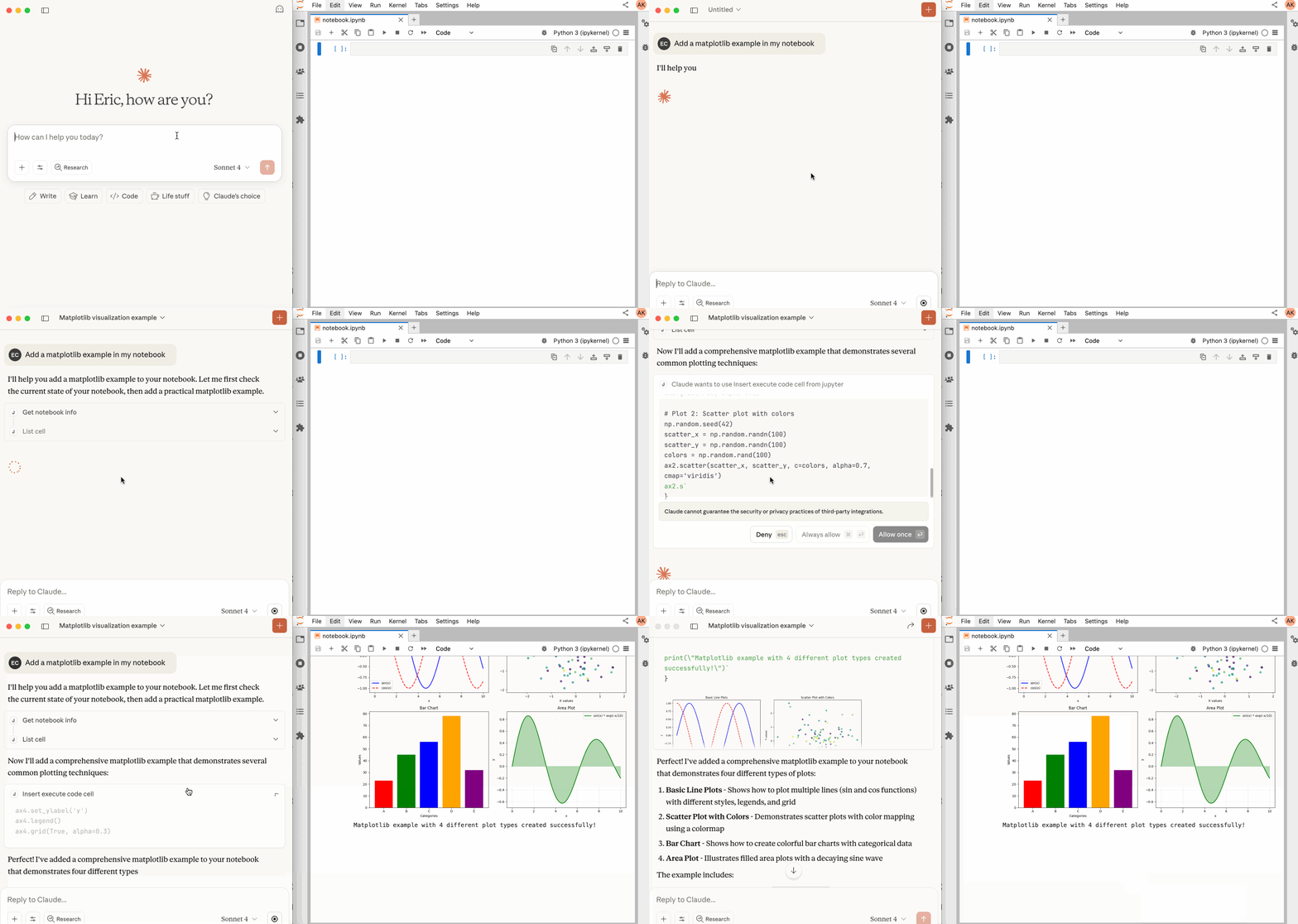
Jupyter MCP Server is a Model Context Protocol (MCP) server implementation that enables real-time interaction with 📓 Jupyter Notebooks, allowing AI to edit, document and execute code for data analysis, visualization etc.
It is compatible with any Jupyter deployment (local, JupyterHub, ...) and with Datalayer hosted Notebooks.
Jupyter MCP Server is open source (BDS-3-Clause license) and can be run locally. This site documents installation, transports, configuration, and operation of the self-hosted server. For hosted endpoint setup, authentication, permissions, operation, and tested client configurations, see the Datalayer MCP guide and its client configuration section. Jupyter MCP Server supports both STDIO and Streamable HTTP and is compatible with any client that implements either transport.
Key features include:
- ⚡ Real-time control: Instantly view notebook changes as they happen.
- 🔁 Smart execution: Automatically adjusts when a cell run fails thanks to cell output feedback.
- 🧠 Context-aware: Understands the entire notebook context for more relevant interactions.
- 📊 Multimodal support: Support different output types, including images, plots, and text.
- 📁 Multi-notebook support: Seamlessly switch between multiple notebooks.
- 🎛️ JupyterLab integration: Enhanced UI integration like automatic notebook opening.
- 🤝 MCP-compatible: Works with any client that supports STDIO or Streamable HTTP. See the tested client guides.
Free and open source, BSD 3-Clause — install it in your own Jupyter, no account needed. Built and maintained by Datalayer, where the same durable execution powers always-on Notebooks that humans and AI agents work in together.